In short
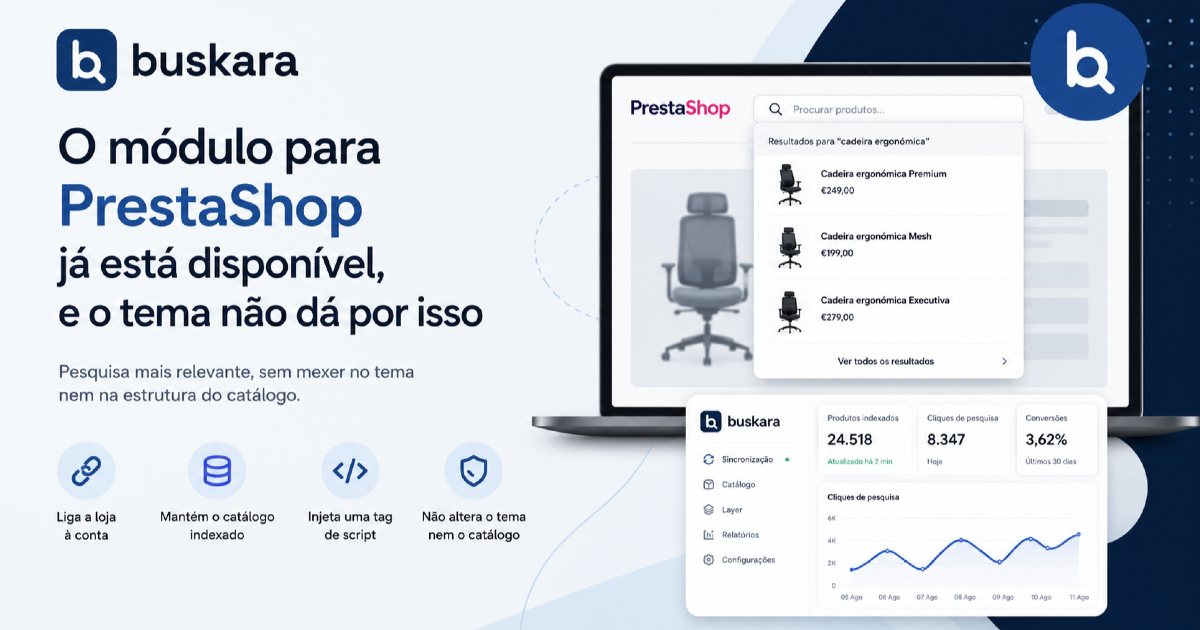
- The module does three things: it connects the store to the account, it keeps the catalogue indexed, and it injects a script tag. It doesn't change the theme or the structure of the catalogue.
- The theme's search bar stays where it is. What changes is who answers it, and that's one line of configuration, not a redesign.
- Installing it changes nothing for visitors. The search panel only shows up once it's switched on, and you can try it out on the live store for a single IP address.
- Compatible with PrestaShop 1.7.6 and above, including the 8 line and the 9 line.
- Uninstalling clears the local configuration and hands search back to the platform. Nothing is locked in.
Installing a search module in PrestaShop has a bad reputation, and deservedly so. It usually involves touching the theme, learning a template language that isn't the platform's own, and finding out three months later that an update broke the integration.
The Buskara module was designed not to be that. It replaces PrestaShop's search without touching a single theme file, and this article explains what it does, what it leaves alone, and what changes once it's switched on.
What the search module does, and what it leaves alone
Three things, and nothing more:
- It connects the store to the account. One click on Connect to Buskara and the store introduces itself: address, versions, stores, languages and currencies. It gets back its identifier and one search engine for each combination of store, language and currency. There's nothing to create by hand on this side.
- It keeps the catalogue indexed. Saving a product, deleting it or changing its stock pushes the change straight away. On top of that there's a periodic sync and a full reindex button.
- It injects a script tag. Just one, on every page, and only when the search panel switch is on.
What stays exactly as it was matters as much as what changes:
| Stays in the store | Now runs outside it |
|---|---|
| The theme, the templates and the CSS | The search index and typo correction |
| The catalogue structure, attributes and stock | The merchandising rules and the synonyms |
| The cart and the checkout | The assistant and the reports |
| Orders and customer data | Facet counts and sorting |
The search bar in the PrestaShop theme is neither replaced nor moved. It stays in the same place, looking the same; what changes is who answers when somebody types in it. If the default selector doesn't catch the bar on a less conventional theme, you adjust it in a text field, and that subject is covered in appearance and integration with the theme.
The search that comes with PrestaShop
Before saying what changes, it's worth being fair to what's already there, and the best source for that is the platform's own documentation.
PrestaShop's native search is a word index configured under Shop Parameters. The official documentation describes the parts: you set the minimum length of the words that go into the index, it recommends limiting the maximum length to 15 characters so that fuzzy search stays fast, and the index can be rebuilt from the back office when the numbers don't add up.
For typos, the platform offers aliases: a list where you write the misspelled word and the correct word it should point to. It's an honest solution and it works. What it asks is that somebody remembers every mistake before a customer makes it.
That's where the underlying difference lies, and it isn't a question of code quality:
| Native search | With the module | |
|---|---|---|
| Typos | A hand-written alias list, mistake by mistake | Automatic tolerance, which grows with the length of the word |
| Different vocabulary | Aliases, also by hand | Synonyms, with suggestions taken from the searches that failed |
| Index | Rebuilt from the back office | Follows the catalogue in real time |
| Searches with no results | No report of its own | A list sorted by type of problem |
| Questions that aren't products | No answer | Indexed content, knowledge base, redirects |
| Cost | Already paid for | Monthly plan |
The last row is the most important one in the table and shouldn't be hidden away. Native search costs nothing and, in a store with two hundred products and a stable vocabulary, it's usually plenty. The case for replacing it turns up when the catalogue grows, when the customer's vocabulary drifts away from the supplier's, or when nobody has time to maintain a list of aliases.
What changes for the people buying
The visible part takes two lines to describe: search answers as you type, and it answers more things.
You spell it wrong and find it anyway. Typo tolerance is automatic and proportional to the length of the word, which avoids the classic problem of over-correcting: "cap" and "cup" are one letter apart and are not the same search, so short words get no tolerance at all. The mechanics are in why typo correction can't be silent.
You describe instead of naming. "Something to hang bikes on in the garage" has no word in common with the product page. It's the category of search that catalogues serve worst: in the Baymard Institute search benchmark, 43% of the sites reviewed have problems with use-case searches and 39% with feature searches.
You ask about things that aren't products. "How long does delivery take" gets typed into the search box far more often than you'd think, and with the store's content indexed the answer turns up in the results, in a separate block that doesn't steal room from the products.
The filter column comes out of the search and not out of the category. A search whose results have colour and size gets those boxes; one where no result has a colour doesn't show them. The reasoning is in too many filters are where the sale dies.
What changes for the people running the store
This is the half that doesn't show up in screenshots and it's the one that decides whether a search module is worth what it costs.
Search starts producing a work list. The terms that came back empty appear classified by type of problem and ordered by the estimate of what they'd recover per month, and each one carries the action beside it: a synonym, a product field to fix, a buying decision. That's the subject of searches with no results are the shopping list nobody reads.
There are also three optional signals the store can share, and they change what the panel is able to tell you:
- the sales volume per product, which feeds sorting by best sellers and the detection of products that sell well but never turn up in the results;
- the cost price, which puts margins into the analytics instead of revenue alone;
- the orders, which connect search to attributed revenue.
None of these is mandatory, and sharing is switched on and off in the module's configuration. Changing the sales signal or the cost signal calls for a full reindex, and the module warns you when that's the case.
Installing the search module in PrestaShop
The exact steps are in the installation guide, and there's no point duplicating them here. What is worth covering is the shape of it, because that's what answers the question everybody asks first, which is how much risk this carries.
- Issue an API key in the panel. It's shown once only, and it can be revoked without being deleted, which means a mistake can be undone. See API key.
- Install the module and paste the key. Installing it changes nothing for visitors.
- Reindex. On large catalogues the button can run into PHP's maximum execution time, and for those cases there's a command line that doesn't have that limit. See how the catalogue is indexed and reindex the catalogue.
- Try it out on your own. The debug IP box makes the search panel appear only to whoever is on the list, which lets you test on the live store without anybody noticing.
- Switch the search panel on once everything is to your liking.
Point four is the one that tends to surprise people in a good way, and it has a flip side worth knowing by heart: while there are addresses in that box, nobody else gets the search panel. If one day search looks as though it has disappeared from the store, that's the first place to look.
Pros and cons of replacing PrestaShop's native search
| In favour | Against |
|---|---|
| You don't touch the theme, so a theme update doesn't break the integration | There's now an external dependency that native search didn't have |
| Indexing follows the catalogue without anybody pressing buttons | The periodic sync requires a store address to be reachable from outside |
| Typos and vocabulary stop being a list maintained by hand | Tuning moves to another panel, and not the store's back office |
| You get a report of what customers look for and don't find | A report nobody reads isn't worth what it costs |
| Uninstalling puts everything back the way it was | The index on the outside stays, and you have to ask for it to be deleted |
The first row of the right-hand column is the serious objection, and there's no answer that cancels it out. The answer available is the one in the last row on the left: the way out is always there, uninstalling clears the local configuration and search goes back to being the platform's that very moment.
Supported PrestaShop versions
The search module declares compatibility from PrestaShop 1.7.6.0 upwards with no fixed upper limit, which includes the 8 line and the 9 line. It doesn't require a specific theme and doesn't force a version migration.
On themes with a search of their own on mobile, it's normal to also need to say which buttons open the search and what to hide while it's open. These are text fields on the store's record, not changes to the theme.
Frequently asked questions
What does a search module for PrestaShop do?
It replaces the platform's native search with an engine of its own, which then answers the bar the theme already has. In practice it swaps three things: the index, which stops being rebuilt by hand and starts following the catalogue; the handling of typos and vocabulary, which stops being an alias list written one mistake at a time; and the reports, because native search doesn't have any. The theme, the cart and the catalogue structure stay as they were.
How do you improve PrestaShop's search without switching modules?
There are three things you can do without installing anything, and they're worth doing before you decide. Rebuild the index under Shop Parameters, because mismatched numbers between products and indexed products explain a lot of "it doesn't find it". Lower the minimum word length, if the catalogue has short references. And write aliases for the most frequent spelling mistakes, which you find in the search logs. If customers still aren't finding things after that, the problem is vocabulary and relevance, and no setting solves it.
Does the Buskara module change the PrestaShop theme?
It doesn't change templates, CSS or the catalogue structure. It adds a script tag to the pages and starts answering the search bar the theme already has. If the default selector doesn't catch that bar, you point it at another one in a configuration field.
Which PrestaShop versions does it work with?
From 1.7.6.0 up, with no declared upper limit, which includes the 8 and 9 lines. You don't need to change theme or version to install it.
Can I try it out without customers seeing?
You can. The module's configuration has a box for debug IP addresses: with your address in there, the search panel appears only to you, even on the live store. While that box isn't empty, no other visitor gets it.
What happens if I uninstall the module?
The local configuration is cleared and the store goes back to using the platform's search. The index on the Buskara side carries on existing, it just stops being fed by the store.
How often is the catalogue synced?
Changes to products, stock included, are pushed the moment they're saved. On top of that there's a periodic sync requested from outside, and a full reindex button for when you want to force it. On large catalogues, the full reindex should run from the command line.
Is it worth it if the store is small?
Not always, and there's no harm in saying so. On a small catalogue with a stable vocabulary, native search and a short alias list are usually enough. The case for switching turns up when the catalogue grows, when customers use different words from the catalogue's, or when the alias list stopped being maintained a year ago. The plans start at the store size where that sum still makes sense.
Does the module share customer data?
The catalogue is always shared, because it's what gets indexed. Sales volume, cost price and orders are three optional signals, each with its own switch, and they serve sorting by best sellers, margins in the analytics and revenue attributed to search respectively. They stay off until somebody switches them on.
Was this article useful?
Thank you.
Up next
Hiding out-of-stock products looks like the obvious decision and is usually the wrong one. What shoppers do when they ru...
Search · 10 min read The Buskara search app comes to Shopify storesA Shopify search app that installs like any other app, with no code and no tokens. The catalogue reaches the index in re...
Search · 9 min read The store's search in Google AnalyticsOne switch and the search starts writing to the store's dataLayer. Who decides what goes on to GA4, and with what consen...
We only write when we have something to say
Get new articles on search, conversion, e-commerce and what we learn from real data.