 PrestaShop
 Shopify
 WooCommerce
 Magento
 e integrações personalizadas
01 What changes in your store
Much more than a search box
No extra development. Buskara reads your catalog as it already is and starts working with the data it already has.
what the customer types
runing shoes white
Even with typos, without accents, or using words that are not in your catalog.
what Buskara does in between
01
Corrects and interprets
“runing” → running; recognises synonyms and variants
02
Filters by what exists
sizes, colours and brands available in the results
03
Applies your rules
featured collections first, out-of-stock products last
04
The assistant asks, if it needs to
it only steps in when something is missing from the request
what the customer sees
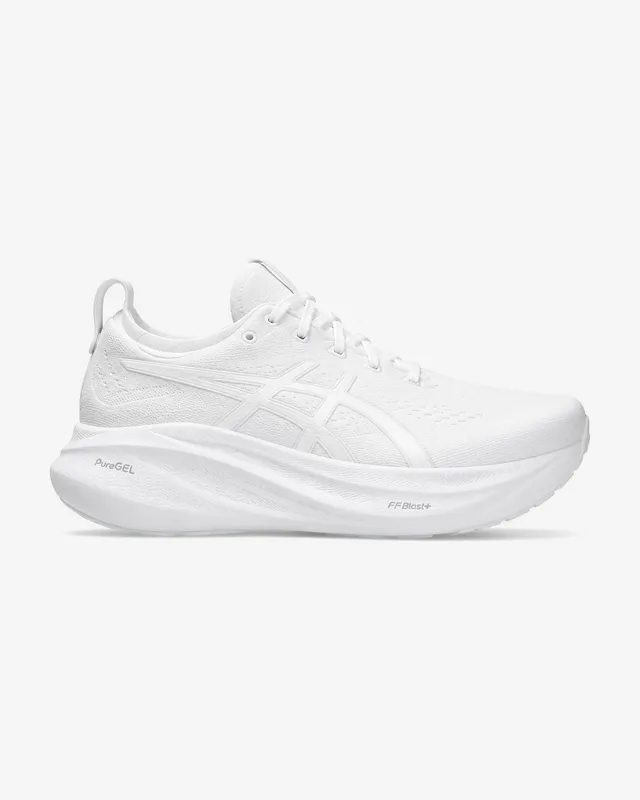
Aero 2 · 89,90 €
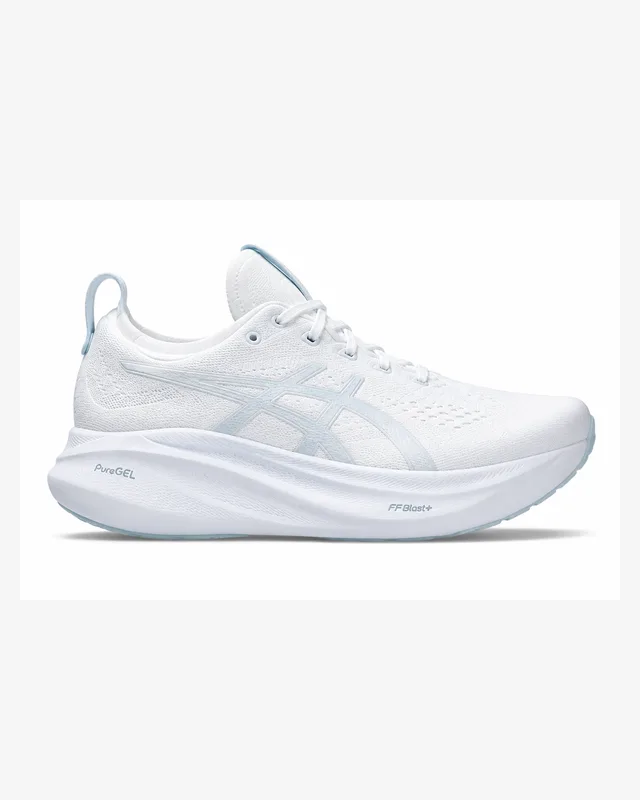 Lumen W · 104,00 €
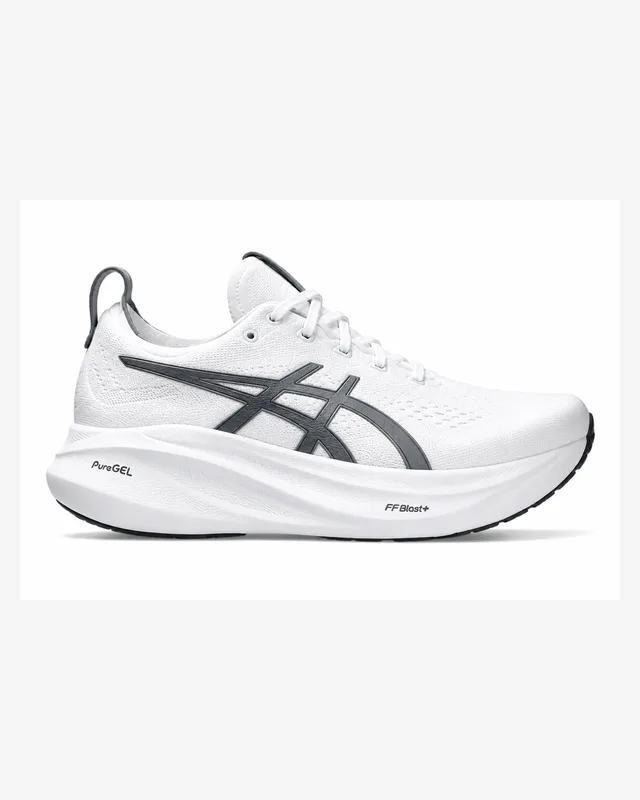 Kora Light · 72,50 €
318 results in 34 ms
Forgiving of typos
“jaket”, “runing shoes”, missing accents. Search corrects them and shows what it corrected, instead of returning zero results.
How correction works →Filters that make sense
Filters adapt to the results. Only brands, categories, sizes and other options that actually exist in the products found are shown.
Merchandising by rule
Push the new collection to the top of “dresses”, hold back what is running out. With a start and an end date.
See the rules →Assistant
A conversation to the product
When a visitor does not know the name of what they want, they describe it. The assistant asks for what is missing and takes them to the right product.
Meet the assistant →02 Measured in stores that are running
Results in the first 90 days
Average across real stores on PrestaShop, Shopify and WooCommerce, compared with the ninety days before setup.
- +18%
- more revenue from sessions that used search
- −63%
- fewer searches with no results
- 2.4×
- higher conversion among visitors who search
- 34 ms
- median response time
Results vary depending on the store, the catalog and the traffic.
03 The assistant
For people who arrive without the name for it
When a customer does not know what to search for, the assistant asks the right questions and guides them to the right products.
the conversation
I need a gift for someone who runs in the morning and always has cold hands.
What budget do you have in mind?
Up to 40 €.
what it returns
Trail thermal glovesBlack · S–XL · in stock
29,90 €
Reflective arm warmersGrey · one size · in stock
18,50 €
Aero light beanieWhite · one size · in stock
22,00 €
Assistant
Asks for what is missing
“A gift for someone who runs and gets cold hands.” The assistant asks about budget and presents suitable options from your catalog.
Only recommends what exists
It works from the real catalog and real stock. It does not invent products, prices or availability.
Answers beyond the catalog
Besides products, it knows your blog, your institutional pages, your terms and conditions and your store business rules.
Turns conversations into insight
See what customers look for, what they fail to find and what they end up buying, and use that to improve the next answers.
what it also answers
- I want to return an item
- Where is my order?
- How much is shipping to the Azores?
- I want to talk to support
- How long is the warranty?
where the answer comes from
- Institutional and support pages
- Terms and conditions, and the returns policy
- Blog articles
- Business rules you write in the admin
When it does not have enough information to answer, the assistant hands over to support instead of inventing an answer.
Demand intelligence
You stop knowing only what you sold. You also discover what customers searched for and could not find, and you can teach Buskara to answer better next time.
04 In the admin
What the merchant controls without writing code
All of this is edited on one admin page and takes effect immediately, with no deploy and no technical help.
1 Sep
autumn collection
15 Nov
Nord waterproof jacket
to the top
Aero windbreaker
Classic fleece
held back
A rule with a start and an end date: while it lasts, the collection rises and what is running out goes down.
PTténis corida branco
ESzapatilas correr blancas
FRbasket runing blanche
DElaufschue weiss
ENwhite runing shoos
Five misspellings, five languages, the same product at the end. Each language has its own corrections and synonyms.
kids rain boots212
thermal socks168
small gym bag141
reflective vest96
What customers searched for and did not find, by demand. A shopping list written by the people who buy.
05 How setup works
One module, one key, and the box changes hands
stays in your store
Your store
- Catalog, prices and stock
- The theme and the cart
- Orders and customers
goes
Products, attributes and stock, synced within seconds
comes back
Ranked results, filters and assistant answers
runs outside it
Buskara
- Search index and correction
- Merchandising rules
- Assistant and reports
Install the module
PrestaShop, Shopify or WooCommerce. No changes to your theme or your store structure.
Paste the key
The module connects your store to Buskara and starts syncing the catalog automatically.
It is running
Search is served by Buskara from then on, keeping your store look or using one of our layouts.
From here on, you do not need to write code.
Filters, synonyms, merchandising rules and search behaviour are managed directly in the admin and applied immediately.
And you are not locked in. If you decide to leave, remove the module and your original store search works again as before.
06 Frequently asked questions
What people usually ask before deciding
Do I need someone technical to install it?
No. The module installs from your store admin like any other. Paste your account key and Buskara takes care of the rest.
If your catalog has an unusual structure, we help you configure it during the trial.
What happens to my current search?
It stays in the store, it just stops answering while Buskara is active. Remove the module and your original search works again as before.
How often is the catalog reindexed?
Prices and stock are updated within seconds. The full catalog is synced regularly and you can start a manual sync at any time.
Does it work for stores with several languages?
Yes. Each language is handled separately, with its own corrections, synonyms and search settings.
Does Buskara make my store slower?
No. Search runs on our servers and was designed to answer in milliseconds, without loading your store.
Do I need to change the design of my search?
No. You can keep your current store look or customise search with Buskara layouts and options.
What if I go over my plan’s search volume?
Search does not stop. We warn you at 80% of the limit and, if you go over it, you can move up a plan or keep using the service paying only for the excess.
Can I try it with my catalog before paying?
Of course. You get 30 days free to use Buskara with your real catalog and traffic, with nothing to pay up front and no commitment at all.
See Buskara working on your store.
Thirty days free on the Pro plan, with your real catalog and your real traffic. Nothing to pay up front and no minimum term.